Turn repeat aerial captures into a project record your team can actually use.
Walk through the actual FlightDesk workflow: define repeat views, release dated visits, compare only matched viewpoints, coordinate visual notes, share the right scope, report, and plan the next visit.
See the actual FlightDesk workflow in 64 seconds.
Dashboard, repeat-view planning, Compare Dates, visual notes, scoped stakeholder sharing, reporting and next-capture requests are shown inside the product your team will use.
See your project status, latest visit, next capture, and open items in one dashboard.
Plan repeatable views once so future captures stay consistent.
Compare matched viewpoints across dates instead of sorting through unrelated photos.
Tie visual notes to the exact image and location that needs attention.
Share only the right project scope with owners, lenders, and trade partners.
Generate dated progress reports and keep every released visit organized.
Request the next capture from inside FlightDesk and keep the workflow moving.
From planning through delivery, FlightDesk gives your team one visual project record.
Matched views stay matched.
Compare Dates activates only when two released files use the same Repeat View key, so the project team compares the same requested viewpoint across visits instead of unrelated photos.
Construction Progress Workflow
Project NCC-2401 · PO 4500876Latest visit
A normal released delivery automatically becomes the visit record. No second visit entry is required.
- Capture date + visit files
- Project/job/PO references
- Repeat-view and location relationships
- Visual notes + next planned visit
Different stakeholders, one record
PM: every visit + open visual notes
Owner: concise progress summary
Lender: dated report + selected views
Trade: scoped area/media only
Plan the views that matter
- V01 · Site Overview
- V02 · Top-Down Work Zone
- V03 · Structure / East Side
- V04 · Access / Logistics
Planning is not flight authorization
Requested locations, directions and paths stay attached to the project. The RPIC still decides what can be flown safely and legally on the visit.
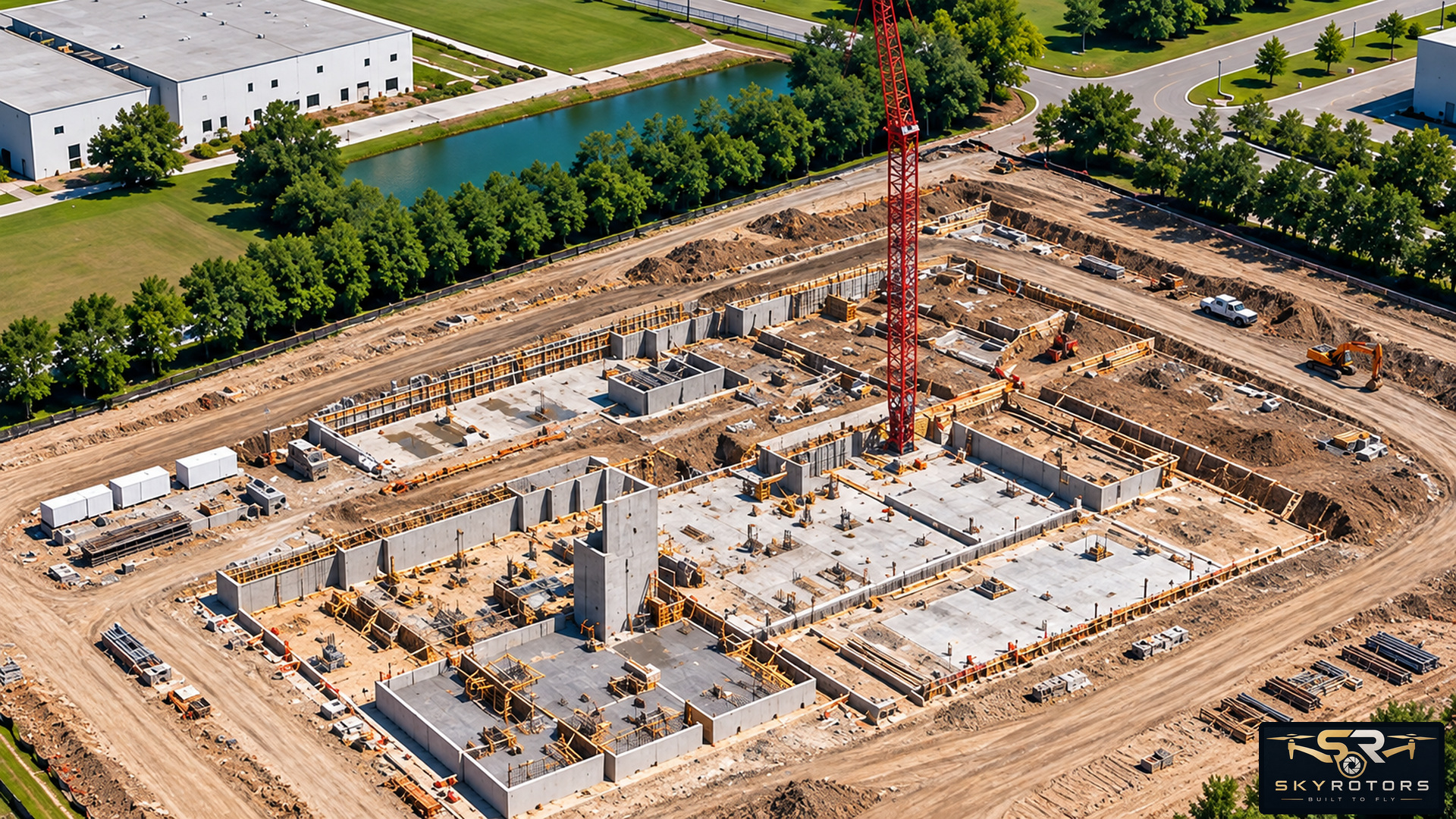
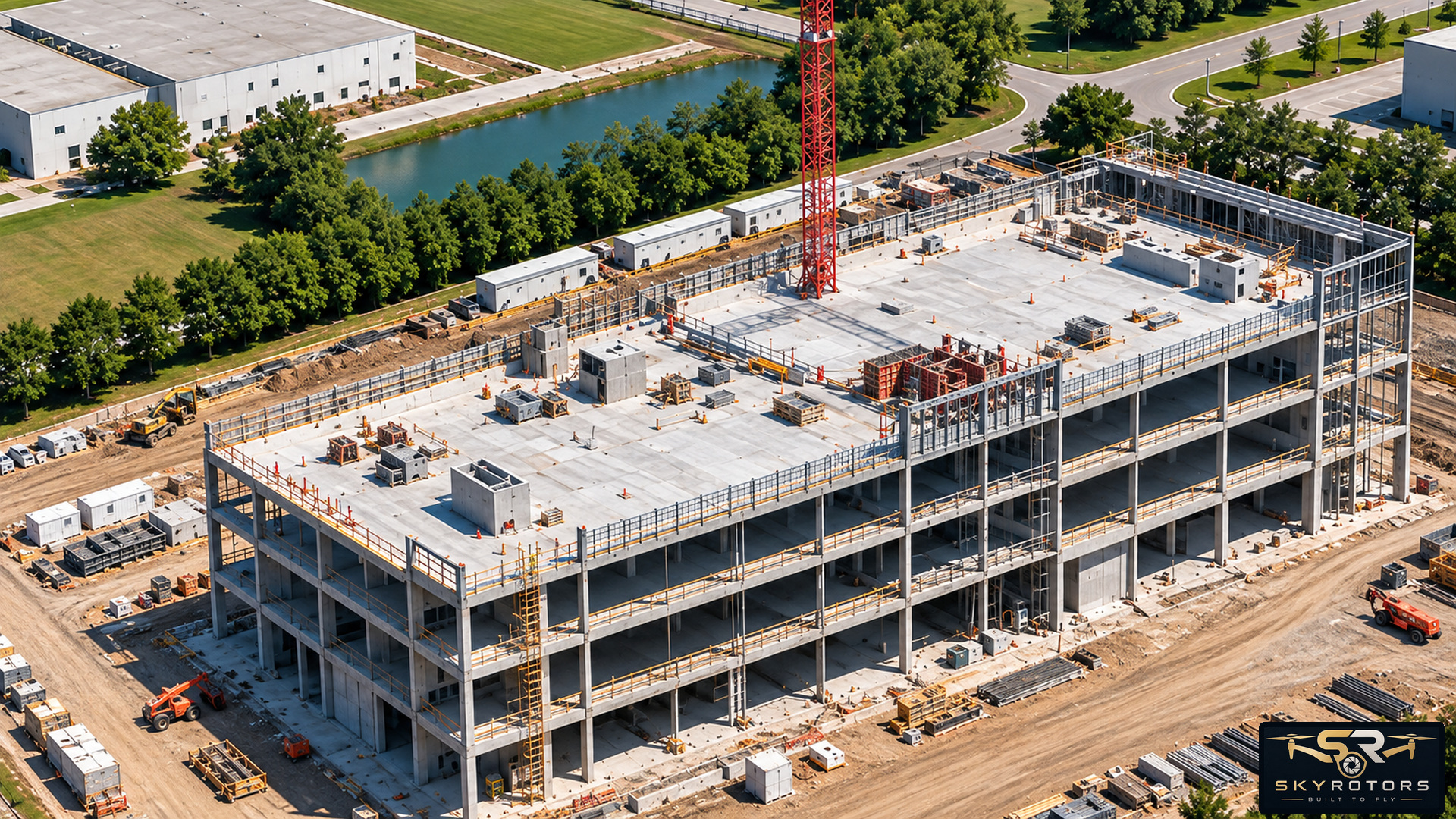
Pin, arrow, box or area
Place visual notes directly on released media, preserve author/time/thread history, and change Open ↔ Resolved without turning the note into an engineering or inspection conclusion.
Repeat framing next visit
Keep the same view for the next scheduled capture so the project team can compare the area consistently.
Owner / Executive
Progress summary, key views and report.
Lender / Draw
Dated report and selected files.
Trade Partner
Relevant media/notes only.
Construction Progress Workflow
Dated visit → matched repeat views → visual notes → next visit → share/print.